
Turn any image into editable text in seconds
OCR Scanner extracts, copies, and translates text from any image, screenshot, video, or PDF — right in your browser. Built for the everyday work you don't have time to retype.
Free Chrome Extension
•
No sign-up to try

WORKS EVERYWHERE YOU DO
Gmail
Docs
Notion
Slides
Figma
PDFs
FEATURES
Everything you need to stop retyping

Extract from anything
Images, screenshots, scanned pages, handwriting, video frames, and PDFs — all in one click.

Support 25+ languages
No settings to fiddle with. It recognizes the language for you on the spot.

Simple, fast & accurate
Results in seconds with clean formatting preserved. Copy, paste, or export without cleanup.
HOW IT WORKS
Three steps, zero friction
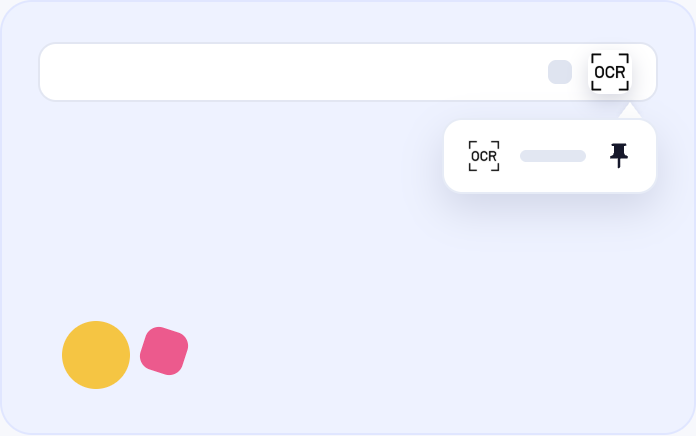
01Pin extension
Add OCR Scanner to Chrome and pin it to your toolbar for one-click access anytime.
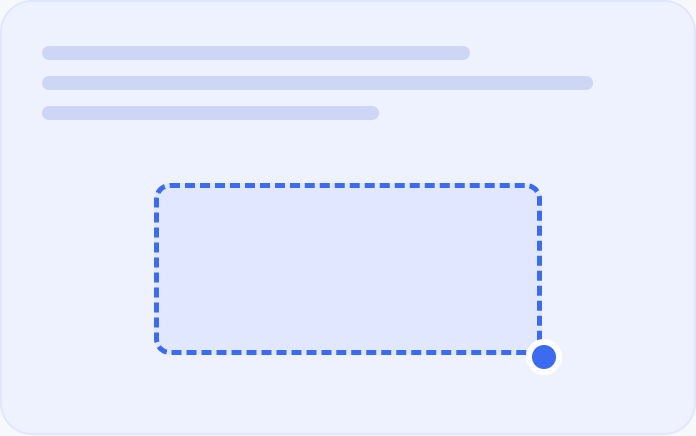
02Capture the snapshot
Drag to snap any image, screenshot region, video frame, or PDF page you want to read.
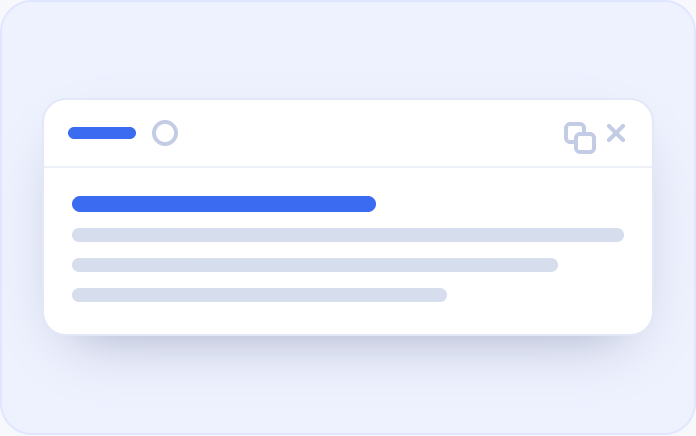
03Text extracted instantly
Clean, structured text appears in seconds — ready to copy, paste, or translate.
Stop retyping. Start scanning.
Add OCR Scanner to Chrome and pull text out of anything in seconds — free to start.
 Add to Chrome — It's free